


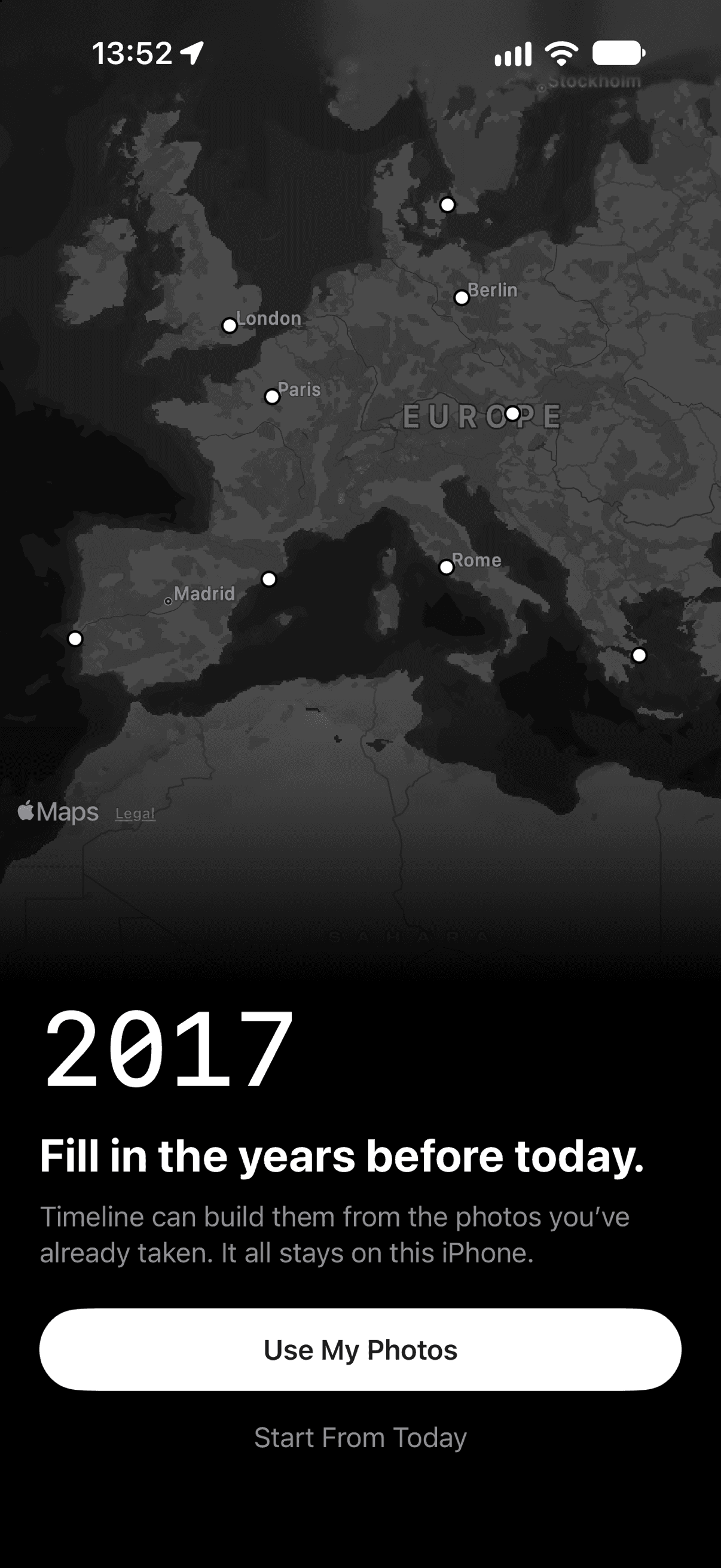
Your past, filled in from Photos.
Don’t start from day one. Timeline rebuilds the years before you installed it from where and when your photos were taken, right on your iPhone. The photos never leave your device.
 Timeline
Your iPhone records where you go, so your agents know where you’ve been and when you arrive.
Connects to Claude,
 ChatGPT,
 Grok Bot,Zapier and your own apps
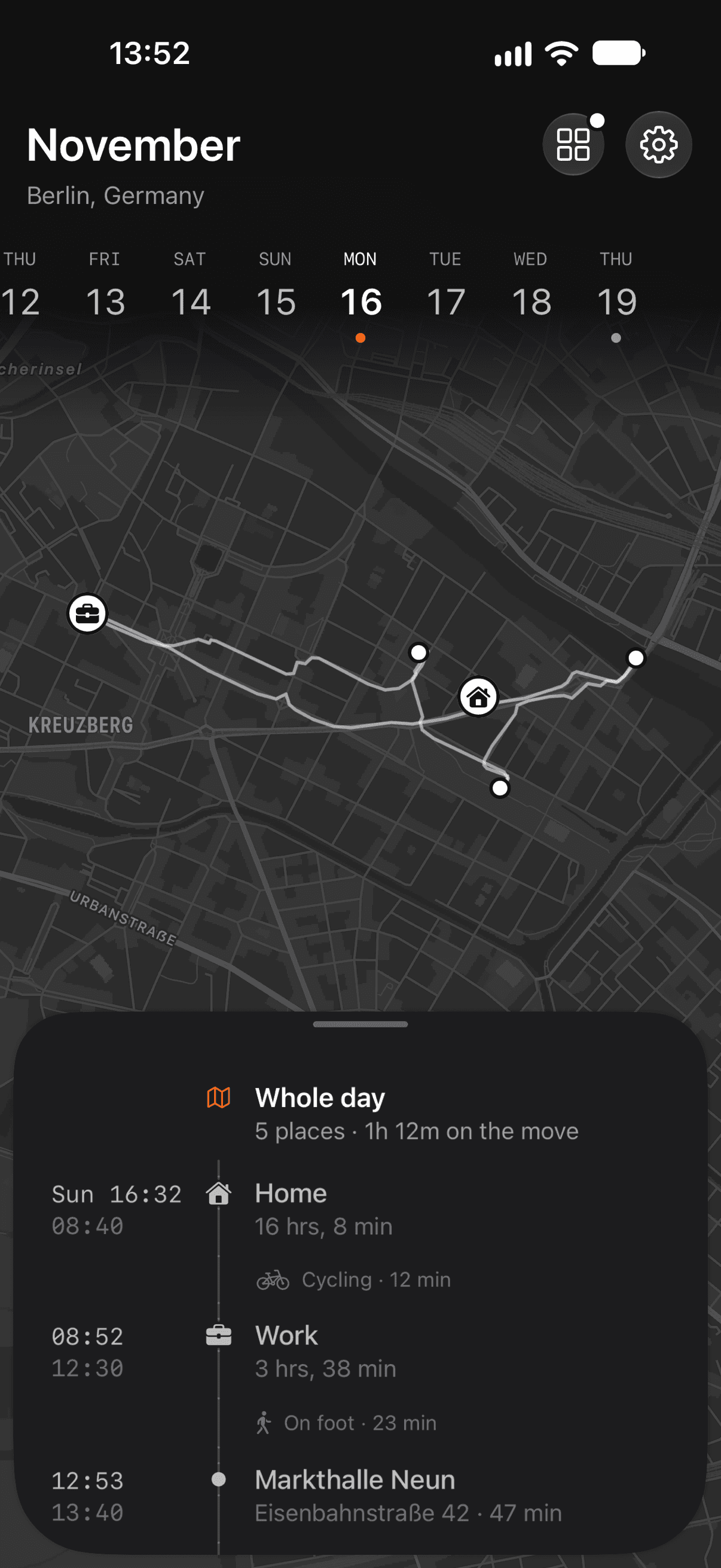
Timeline records your stops and trips on your iPhone. Claude and ChatGPT can search it, add notes and correct guessed places, and Grok Bot hears when you arrive.
 ChatGPT
 TimelineconnectedChatGPT
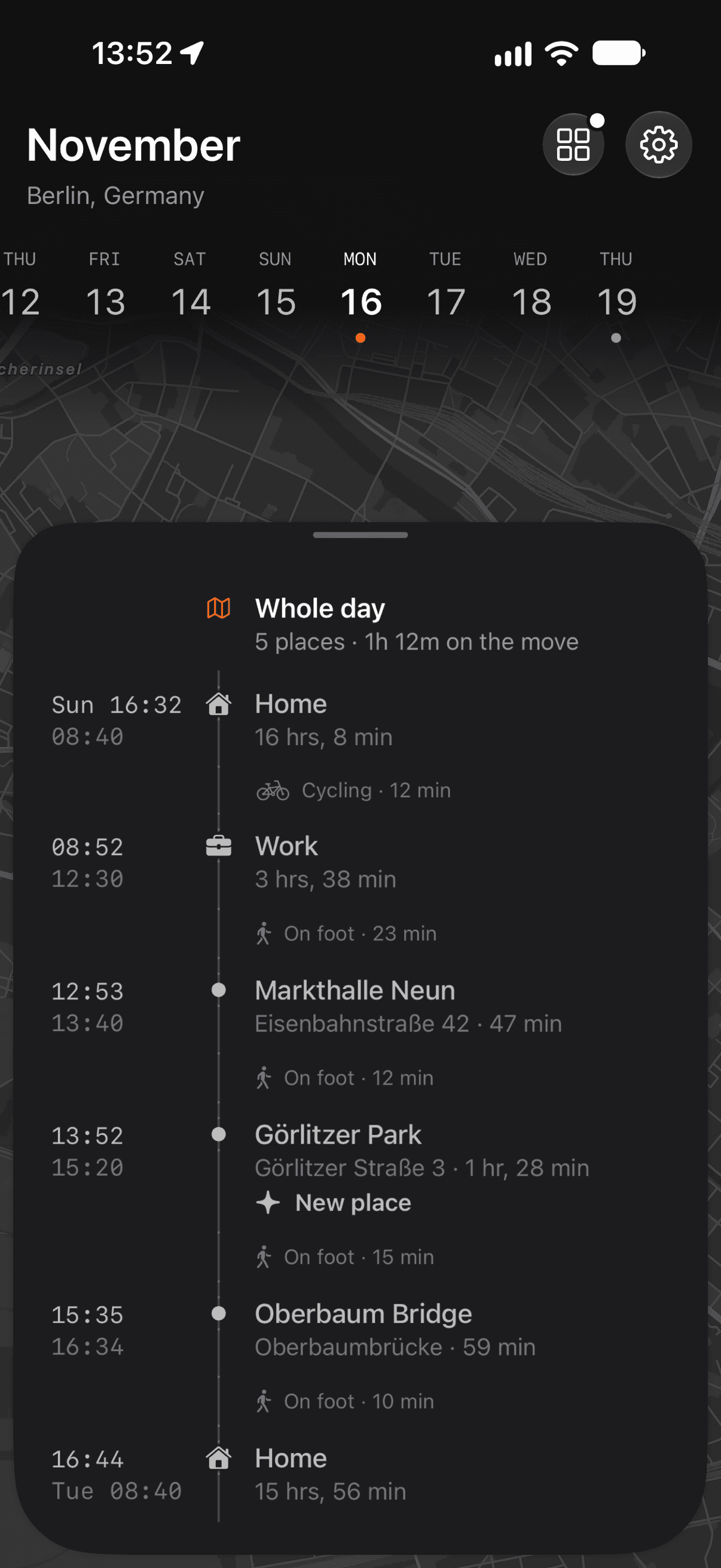
You walked about an hour across four legs and cycled 12 minutes to work. Lunch was at Markthalle Neun:
Görlitzer Park was a first visit.
Tell an agent what to handle when you arrive or leave, and Timeline wakes it a few minutes after you do.
08:58
“When I get to the office, send my morning brief.”
Grok Bot · Three replies drafted, the notes for your 10:00 meeting pulled up and your afternoon kept clear.
17:45
“When I walk into a supermarket, send my shopping list.”
Grok Bot · Oat milk, olive oil, sourdough, fresh coriander and limes. Skipped pasta since you picked it up Sunday.
21:08
“When I get home, close out my day.”
Grok Bot · Tonight’s workout logged, a quick recap saved to your journal and the living room lamp set to evening.
Don’t start from day one. Timeline rebuilds the years before you installed it from where and when your photos were taken, right on your iPhone. The photos never leave your device.
Everything stays on your iPhone until you turn on agent access under Settings › Agents.
Web, desktop and phone
Timeline is in Claude’s connector directory. Add it, then sign in.
Add to ClaudeWeb, desktop and phone
Timeline is in ChatGPT’s plugin directory. Add it, then sign in.
Add to ChatGPTWebhooks or any MCP app
Add Timeline as a remote MCP server with this address, or add a webhook in web Settings.
https://timeline.place/mcpYes. Recording, your timeline, Import from Photos and JSON or text export are free. Timeline Pro adds Claude, ChatGPT, Grok Bot arrivals and your timeline on the web for $3.99 a month or $29.99 a year after a free week.
No. Timeline works on your iPhone without one. You only sign in, with Apple or Google, if you choose to connect an agent or open your timeline on the web.
It uses the visit detection built into iOS, so there’s nothing to start or stop. It works best with location access set to Always. Short stops can be missed, and iOS sometimes reports a visit late.
Timeline can’t import Google’s export, so keep that file. Our free Google Timeline viewer opens it on a map, and Timeline records from the day you install it.
No. Timeline is for iPhone.
Export the JSON file on Android or iPhone, back it up, and open it.
5 minCompare Claude, ChatGPT, Grok Bot, Muse, Instinct, OpenClaw, Hermes, n8n and Ollama.
21 minWe gave LLMs a brain, eyes and hands, then left them without a sense of where you are.
7 minConnecting my phone’s arrivals and departures to Grok Bot, and getting it to stay quiet.
7 min